
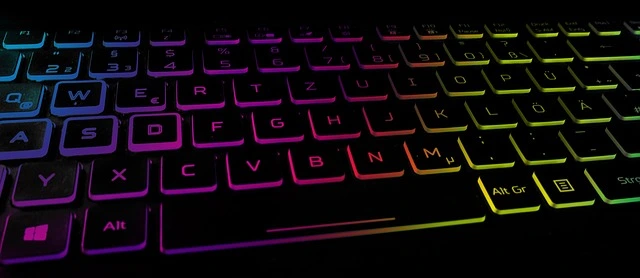
To repair a laptop keyboard at home, you’ll need to keep these things in mind. So, let me explain in detail How to Fix a Laptop Keyboard at Home?
- 1. What is the laptop brand and model?
- 2. Is the laptop keyboard internal or external?
- 3. Is the keyboard standard, trackball, or backlight?
- 4. Do you know the laptop software and hardware?
- 5. How to install the laptop keyboard correctly?
What is The Laptop Brand and Model?
To repair any laptop keyboard, you should look up the laptop’s brand and model number. This will make it easier to choose the right keyboard for your laptop. If you don’t know the brand and model of your laptop, you’re encouraged to consult an expert and not attempt to repair your laptop keyboard at home.
Is Your Laptop Keyboard Internal or External?
It’s important to determine whether your laptop keyboard is internal or external. This means that an internal keyboard requires an expert technician to repair. Please don’t attempt to repair it at home. To repair this keyboard, all parts of the laptop must be removed and then replaced.
If your laptop has an external keyboard, you can repair it at home. However, if you lack technical knowledge, please avoid this task. First, disconnect the laptop battery and charger. Open the laptop and install a new keyboard. No keyboard can be repaired. If there is a problem with the keyboard, it must be replaced.
Is The Keyboard Normal, Trackball, or Backlight?
There are three types of keyboards available on the market: normal keyboards, keyboards with a trackball, and keyboards with a backlight. Let’s learn what all these keyboards mean. In simple terms:
A. Normal keyboard: This keyboard is very basic. However, it can be used in laptops. It is used in older and cheaper laptops. Normal keyboards come in both internal and external formats.
B. Trackball keyboard: This keyboard has a trackball in the middle, which can be used in emergencies when the touchpad or mouse is not working. Or it can also be used regularly; this keyboard offers this feature. This keyboard is slightly more expensive than a normal keyboard.
C. Backlight Keyboard: This keyboard is used in all laptops today. The advantage of a backlight keyboard is that you can work even in the dark. This keyboard is built-in with a light, and it also comes with a trackball depending on the laptop brand and model.
Do You Know Your Laptop Software and Hardware?
If you don’t know your laptop’s software or hardware, please don’t try to repair your laptop keyboard at home. To repair your keyboard at home, it’s important to know whether the problem is software-related or hardware-related. If you have a good knowledge of laptop software and hardware, you can fix your laptop keyboard at home.
Installing the Laptop Keyboard Correctly?
If you already know all the information above, you can install the keyboard correctly. Don’t try to install it by asking someone or watching videos. If you can’t install the laptop keyboard correctly, consult an expert technician, otherwise your laptop may get damaged.
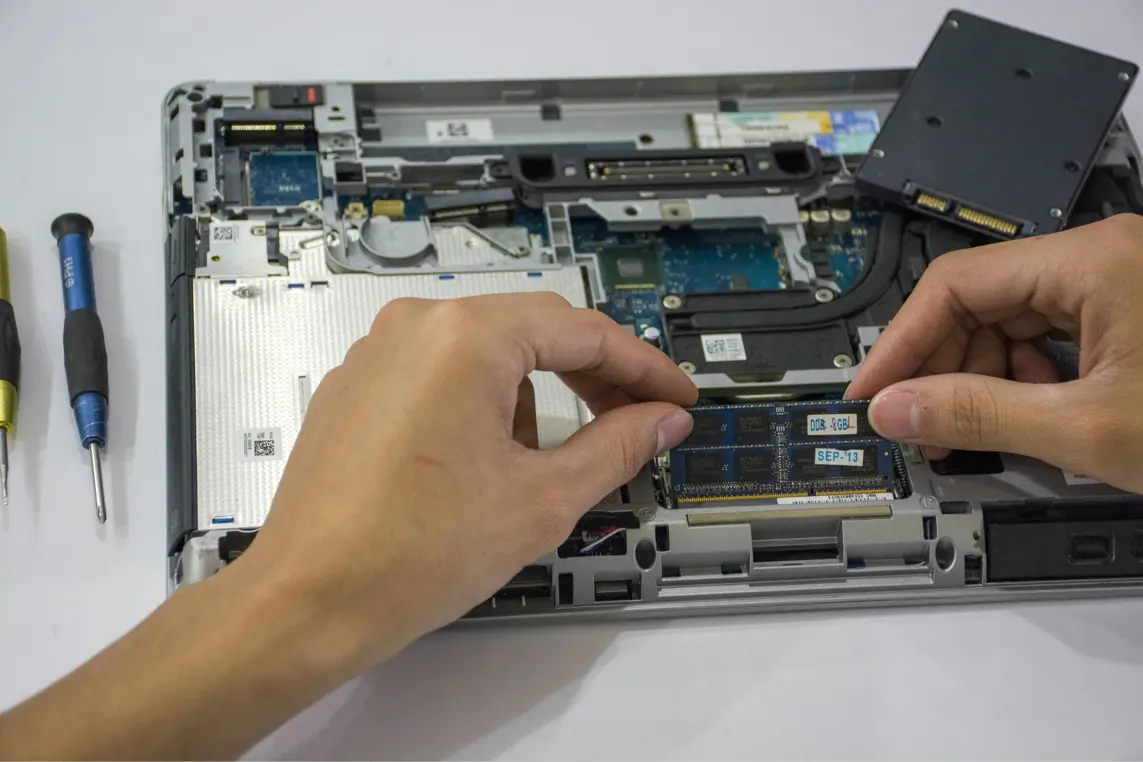
Keeping all the information above in mind, learn how to fix your laptop keyboard at home. First of all, buy a keyboard from the market after checking the laptop brand and model. Remove the battery and charger from the laptop. And open the laptop.
If it is an internal keyboard, you will have to open the entire laptop, if it is an external keyboard, it will be installed from the top, there is no need to open the entire laptop. Then disconnect the keyboard connector, (if it is a normal keyboard, there will be only one connector. If it is a trackball keyboard, there will be 2 connectors, if it is a trackball and backlight, there will be 3 connectors).
If it is an internal keyboard, you will have to open all the parts of the laptop, if it is an external keyboard, it will be installed from the top, there is no need to open the entire laptop. (For the internal keyboard, remove all the parts and keep them outside, and the steel plate will be visible. Break the lock of the steel plate and remove it and remove the keyboard also.)
Reinstall the new keyboard (internal keyboard requires solder iron to fix the lock again) and install all the connectors in the keyboard. And the external keyboard is installed. (After installing all the parts of the internal keyboard properly, install the parts properly) Install the outer panel of the laptop properly and put the screws. And check.
The laptop keyboard will be working fine. If you’re having any problems, you can consult an expert or ask in the comments. So, I’ve explained the complete method for fixing a laptop keyboard at home. I hope you found this information helpful.






Leave a Reply