
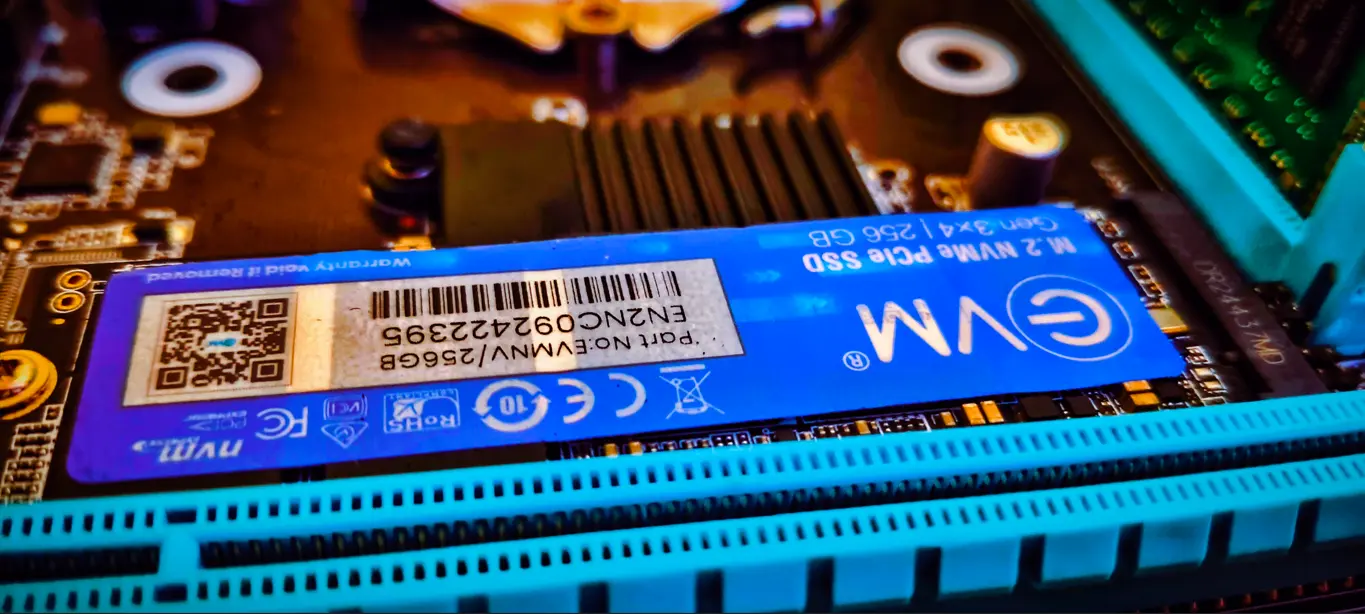
can i use laptop ssd in desktop To know this, we need to know how many types of SSDs are there. Actually, SSDs are of three types. Sata SSD, m.2 Sata SSD, NVMe SSD. These three SSDs are different. So, let’s know about them.
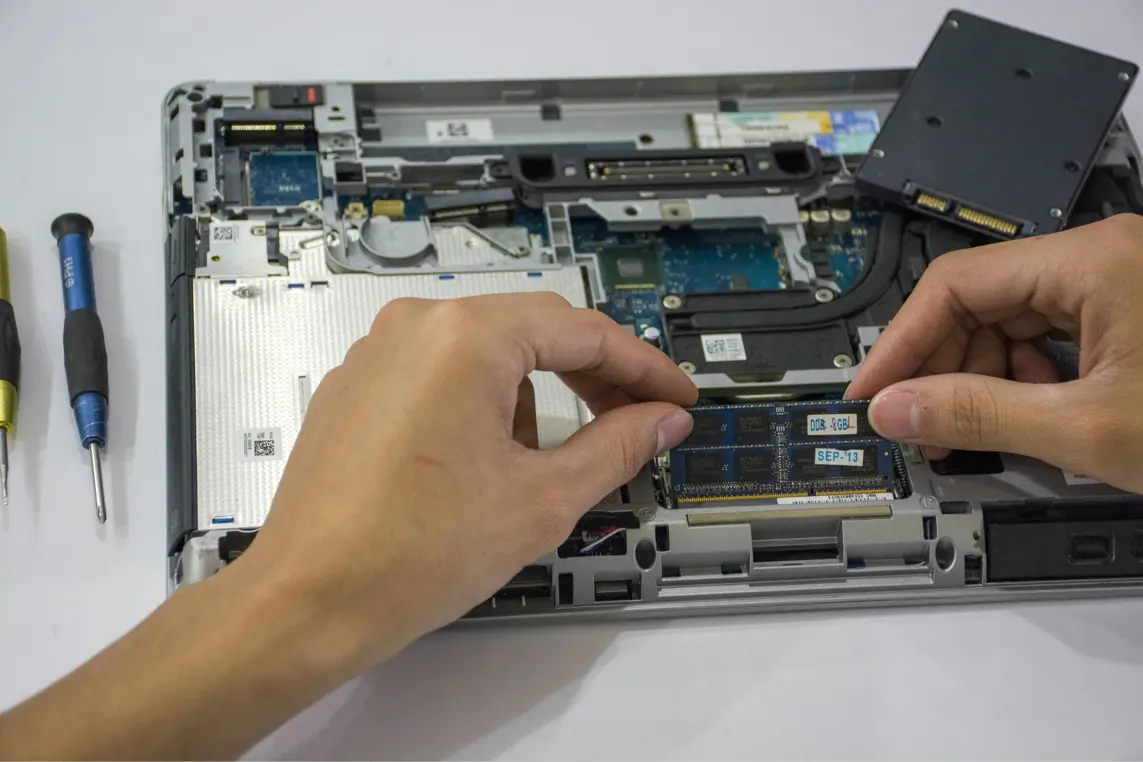
1. Sata SSD: We can use this SSD in laptops and desktop computers. Any Sata SSD can be installed in laptops and desktops. Sata SSD is of 2.5 inches. If you have a 2.5-inch hard drive installed in your laptop, then you can install a Sata 2.5-inch SSD in its place. If you have a DVD writer in your laptop, you can install a 2.5 inch SSD in its place.
2. M.2 Sata SSD: This SSD is used in both laptops and desktops. There are 2 cuts in this SSD. And this SSD cannot be installed in the place of a 2.5 inch laptop. The size of the m.2 Sata SSD is much smaller than the 2.5 inch Sata SSD. And its weight is also very less. The speed of the m.2 Sata SSD is also more than the 2.5 inch Sata SSD.
3. NVMe SSD: We can use this SSD in laptops and desktop computers. There is a cut in NVMe SSD. It looks like m.2 Sata SSD. But the difference between the two is that m.2 SSD has 2 cuts. And NVMe SSD has 1 cut. There is a difference between the two because of this cut. Both are similar in size. The weight of both is also the same. But the speed of NVMe SSD is the fastest.
The bottom line is that, we can install 2.5 inch Sata SSD in the laptop and computer which have 2.5 inch hard drive. SATA 2.5 inch SSD is not different for computer and laptop. This SSD can be installed in both.
There is difference in cut and speed between m.2 Sata SSD and NVMe SSD, M.2 Sata SSD can be installed in NVMe SSD slot and not all computers and laptops support it. And you will get the speed of M.2 Sata. Whereas NVMe SSD cannot be installed in m.2 Sata SSD slot.
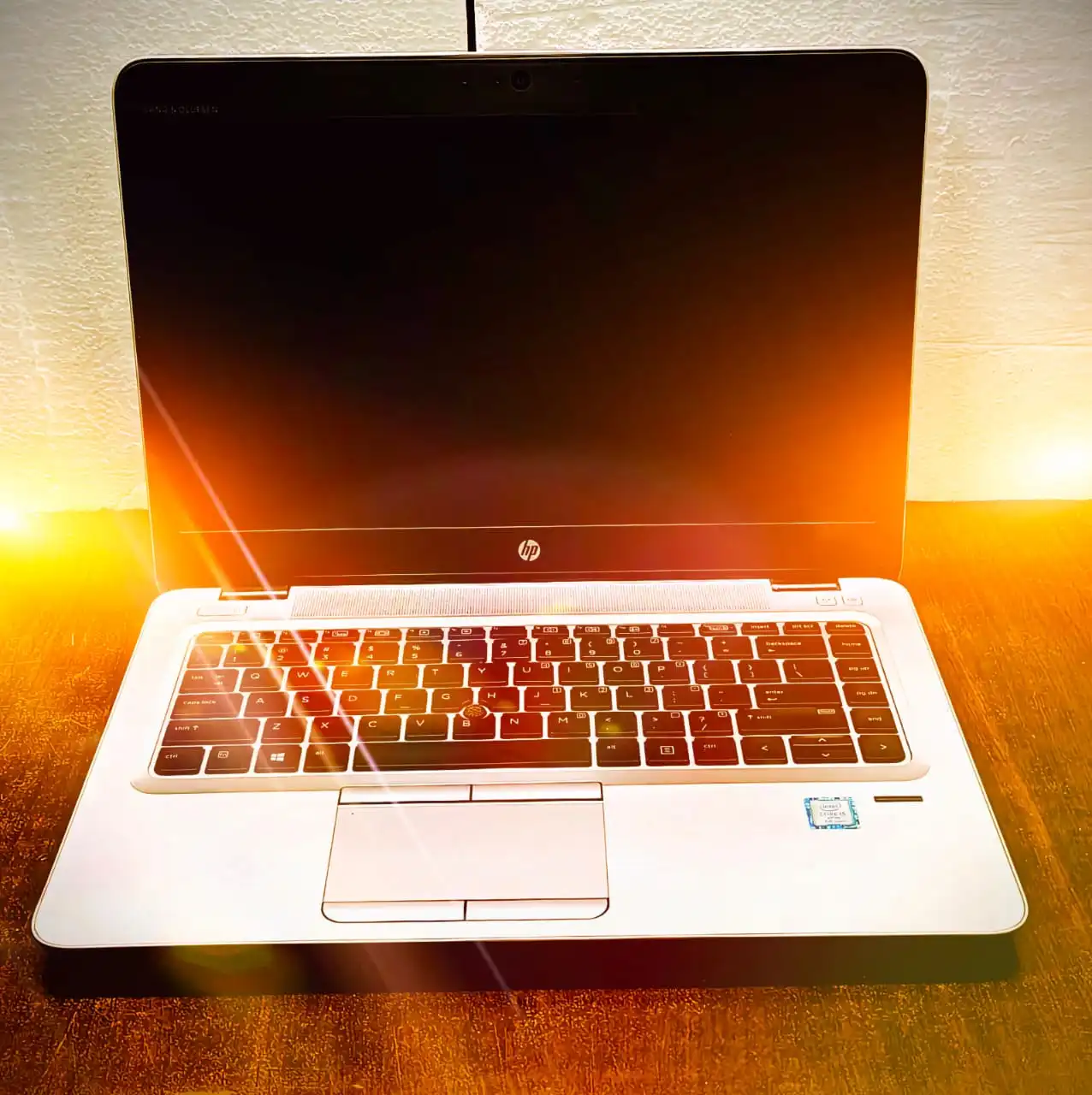
If you have a 2.5 inch Sata SSD then you should install it in your Sata laptop. If you have an M.2 Sata SSD then you should install it in an M.2 laptop. And if you have an NVMe SSD then you should install it in an NVMe laptop.
There are no separate SSDs for a computer and a laptop. There is only one SSD, just the slots are different. So I hope you have understood. can i use laptop ssd in desktop.





Leave a Reply