
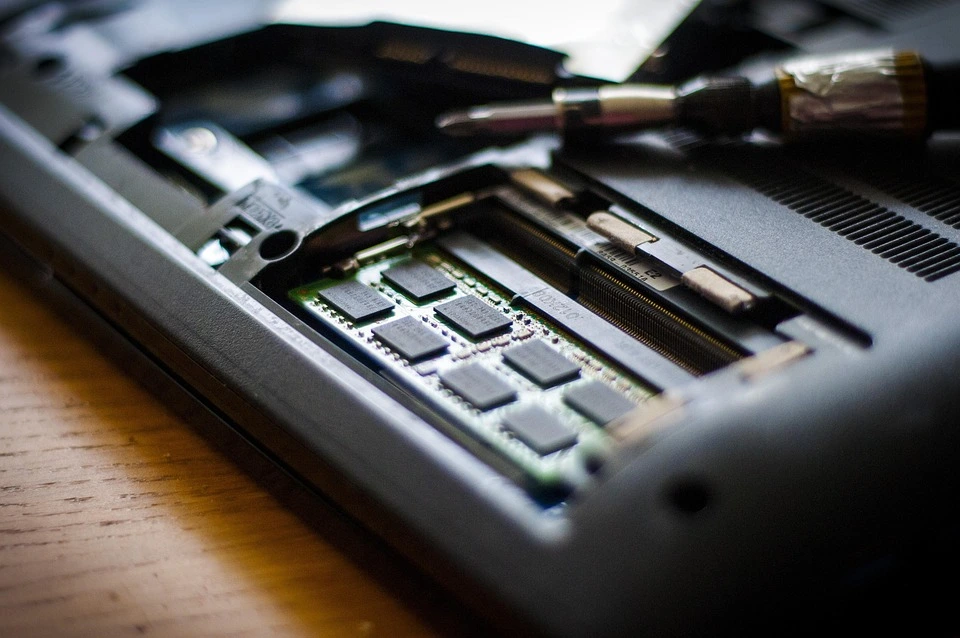
How to install 32 GB RAM in Laptop?
How to install 32 GB RAM in laptop? First of all check the brand and model of laptop, and check how many slots in laptop, maximum RAM support. And your laptop should support DDR4 or DDR5 RAM. If your laptop supports DDR3 RAM, then you can install maximum up to 16GB.
To install 32GB RAM in laptop, we have to keep a few things in mind. Like
1. We have to check the brand and model of the laptop. And check how much and which maximum RAM is supported by this model.
2. How many slots are given in the laptop, and how many GB RAM does each slot support.
3. There should be at least 2 RAM slots in your laptop. And both slots should support 16GB RAM.
4. Your laptop should support DDR4 RAM, 16GB single stick RAM is available in DDR4 only.
How to install 32 GB RAM in Laptop?
Keeping in mind all the points mentioned above, you can install 32GB RAM in your laptop. First of all, check the brand of the laptop and then check its model. Enter the model number in Google and type RAM support or specification.
You will know from Google how much GB and which RAM is maximum in your laptop and how many slots it has. For example, in your laptop, DDR4 8GB 2666MHz RAM is installed in the first slot. And the second slot is empty. So you should have 2 RAMs of DDR4 16GB 2666 MHz.
Both the RAM should be of the same brand and frequency, otherwise you will not be able to get full speed of the laptop and you will get blue screen error in future. So try to have the same brand, frequency and capacity of both the RAM. So that you can get maximum speed of your laptop.
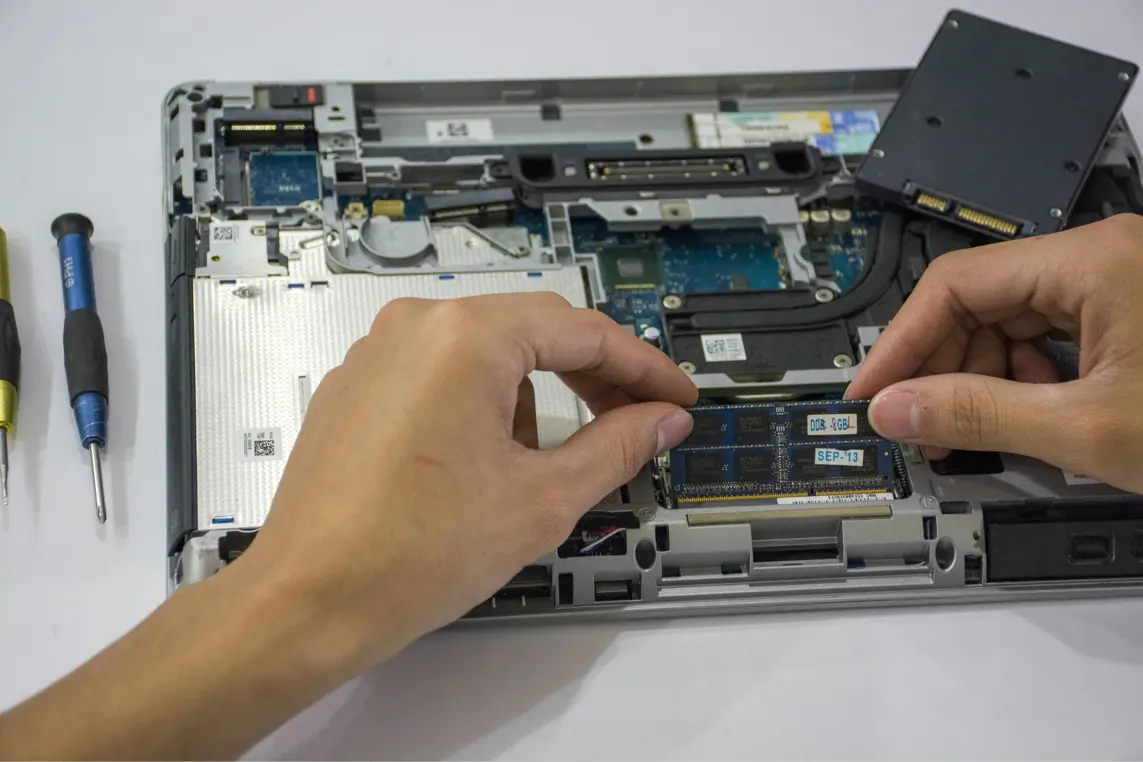
You should have some technical knowledge to install 32GB RAM in laptop. First of all open the laptop and disconnect the battery. After that remove the DDR4 8GB 2666 MHz RAM from the first slot.
Now 2 slots will be empty in your laptop, install DDR4 16GB 2666 MHz RAM in the first slot. Then install DDR4 16GB 2666 MHz RAM in the second slot. And connect the laptop battery. And turn on the laptop.
After the laptop is turned on, right click on this PC, go to Properties. Now you will see how many GB RAM is installed in your laptop.
You have installed 32GB RAM in your laptop. Thank you





Leave a Reply